
Read comfortably
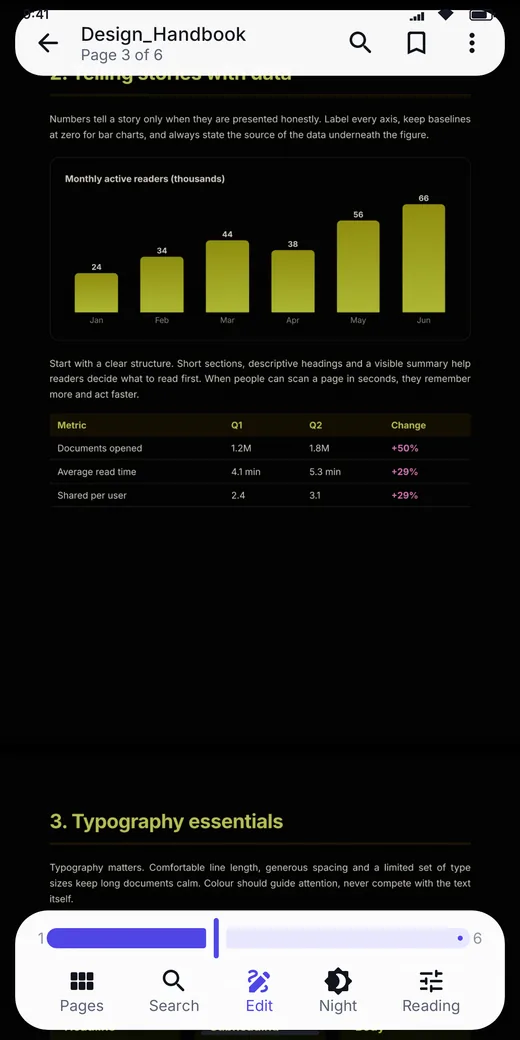
Smooth pinch-zoom with razor-sharp text, scroll or Book mode, bookmarks, table of contents and full-text search. Resume exactly where you stopped.
Learn more →PDF Viewer is a fast Android PDF reader and editor with night and sepia reading modes, an in-app PDF gallery, highlighting, drawing and signing, a document scanner and a full set of PDF tools. No ads and no internet needed.
Everything runs on your phone. Your files are never uploaded.
Simple on the surface, careful underneath. Every feature is explained on the features page.
Smooth pinch-zoom with razor-sharp text, scroll or Book mode, bookmarks, table of contents and full-text search. Resume exactly where you stopped.
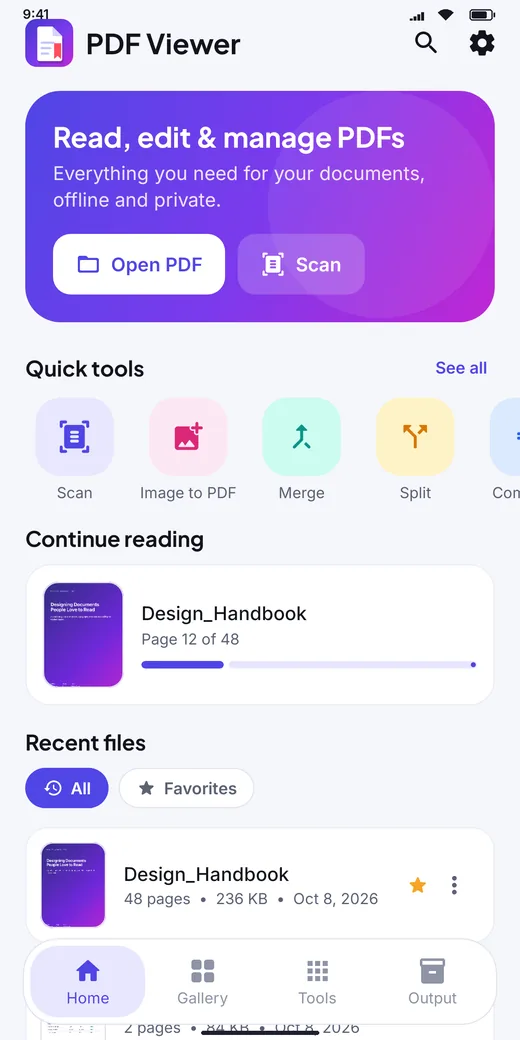
Learn more →Finds every PDF on your phone automatically, groups them by folder and lets you search, sort, favorite, share and manage them in one place.
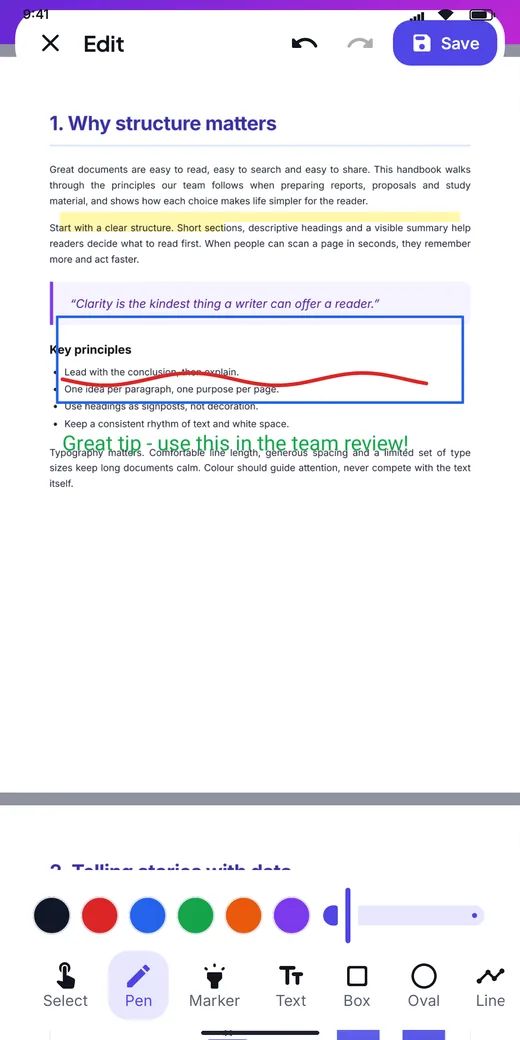
Learn more →Highlight, underline, draw, add text notes, shapes, photos and your saved signature. Your original file is never changed.
Learn more →Scan paper with automatic edge detection or turn photos into a clean PDF with page size, margins, quality and filters.
Learn more →Combine PDFs, extract pages, split by ranges, reorder, rotate, duplicate and delete pages with live thumbnails.
Learn more →Make files smaller for sharing, add a password with AES encryption, remove a password, add watermarks and page numbers.
Learn more →Switch between Day, Night and Sepia with one tap, set the brightness inside the reader and keep the screen awake while you read. Pick Scroll for long documents or Book mode to swipe page by page.
Illustration — the real reader also adjusts brightness and works with every PDF.
13 PDF tools plus reading helpers — everything happens on your device, even on a plane.
Tap any screenshot to see it larger.


PDF Viewer has no accounts, no ads and no analytics. Reading, editing, scanning and converting all happen on your phone, and nothing is uploaded.
PDF Viewer is free to use, has no ads and adds no watermark to your files.
No. Reading, annotating, merging, splitting, compressing and converting all work offline. Only the document scanner depends on Google Play services on your phone.
Never. Edited files are saved as a new PDF in the Output tab (Documents/PDF Viewer), so the original stays exactly as it was.
Android 9 and newer, on phones and tablets.
Install PDF Viewer and open, mark up and manage your documents in seconds.
COMING SOON ONGoogle PlayFound a problem? Tell us about it.